
How the current trade works
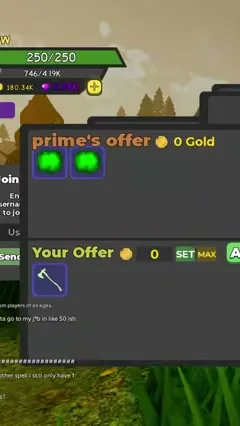
Recent Reborn footage shows the two-sided mutual trade interface. The exact player-list labels can change, but the safe transaction loop is:
- Stay in the lobby. Do not start a dungeon.
- Open the player list and select the intended player.
- Send a trade request and verify that the correct username appears.
- Both players place items in their own side of the mutual trade window.
- Review every icon and quantity again after the other player changes an offer.
- Accept only when the final window matches the agreed exchange.
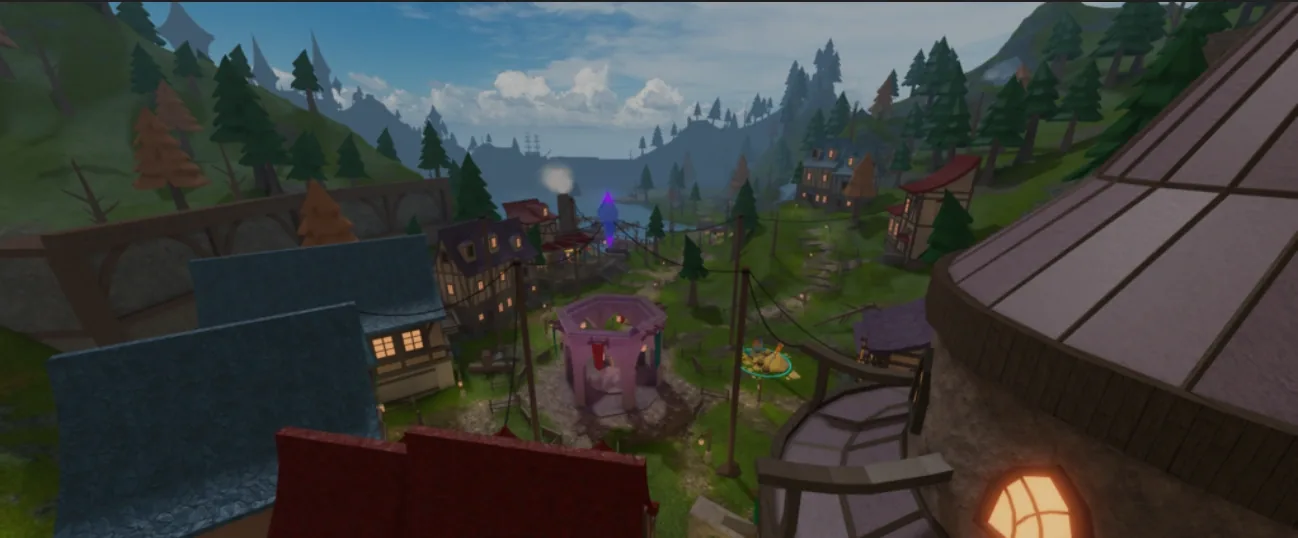
Full hub context: Dungeon Quest Reborn lobby.
Current evidence: Dungeon Quest Reborn mutual trade recording . It confirms the interface exists, but it does not define a universal value list or prove that every item is tradeable.
Before you offer an item
- Unequip the item if it does not appear in the selectable inventory.
- Read the live roll and item name; do not trade from a legacy database name alone.
- Do not assume rarity colors make two rolls equivalent.
Safe offers
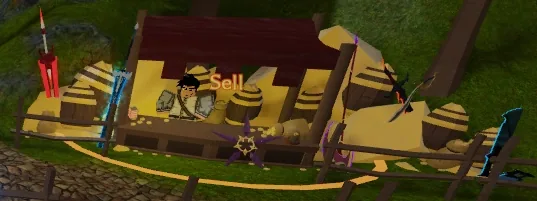
Value depends on build fit, roll quality, rarity, demand, and current balance. A Spell item is not automatically equivalent to a Physical item of the same color. Record the offer before accepting, and decline when someone rushes the review.
Looking for a named drop instead of trading? How to get Legendary in Dungeon Quest Reborn.
Scam patterns to refuse
- Last-second item swap after you accepted.
- “Trust trade” outside the window.
- Codes or Robux as payment for in-game items. Codes status: Dungeon Quest Reborn codes.